























Losing a dog can be one of the most frightening experiences for a pet owner. Whether your dog slips through an open gate, runs away after hearing a loud noise, or gets separated from you during a walk, knowing what to do next can make a big difference.
It's natural to feel worried, but acting quickly and using the right resources can improve your chances of finding your dog.
If you're wondering what to do if your dog gets lost, this guide covers practical search steps and explains how PawView's Pet Loss Assistant can help spread the word and bring your furry friend home.
1. Prepare Before Your Dog Goes Missing
The best time to prepare for a lost-pet emergency is before it happens. A few simple steps can make it easier to respond when every moment matters.
If you use PawView, start by downloading the app, creating your pet's profile, and connecting your Smart Pet ID Tag.
Make sure your profile includes:
-
A clear, recent photo of your dog.
-
Your dog's name, breed, and other identifying details.
-
Your current phone number and contact information.
-
Any important health information or special care instructions.
Enable notifications from the beginning. When setting up PawView, allow notifications in both your phone's system settings and the app. Keep them enabled during everyday use so you can receive important updates, including ID tag scan alerts and notifications about likes and comments on your community posts.
You can also use the privacy settings to control which contact details are visible. For everyday privacy, you may choose to hide your contact information. If your dog goes missing, remember to turn off this setting so someone who finds your dog can reach you.
2. Stay Calm and Start Searching Immediately
If your dog disappears, try to stay calm and confirm when and where they were last seen.
Search your home and property first. Check garages, sheds, bushes, spaces beneath porches, and other places where a frightened dog might hide.
If your dog isn't nearby, begin searching the surrounding neighborhood. Bring a recent photo, favorite treats, and a familiar toy. Ask neighbors to check their yards and enclosed spaces.
The ASPCA's guide to finding a lost pet recommends searching nearby and involving your community as early as possible.
3. Report Your Missing Dog Through PawView
When a dog goes missing, reaching more people quickly can make a real difference.
PawView includes a built-in Pet Loss Assistant that allows you to report a missing pet and share the information with the community.
Open the app and follow this path:
Discover > Help > Report Lost
Then follow these steps:
-
Select your missing pet from your pet profiles.
-
Upload a clear, recent photo.
-
Add a description and recognizable features.
-
Enter the date and location where your dog went missing.
-
Add reward information if you are offering one.
-
Allow access to your current location to help the system notify nearby users.
-
Review the details and tap Post.
Once submitted, PawView helps expand the visibility of your missing pet report through the app's Home-page banner and Community Pet Search. Your missing pet information can reach nearby PawView users, giving more people an opportunity to recognize your dog and help with the search.
You don't need to create separate posts for these in-app placements. Simply submit your missing pet report, and PawView helps share the information with its community.
You can also access your report history through the history icon in the upper-right corner to review previous submissions.
4. Search Nearby and Follow Every Sighting
While PawView helps spread your missing pet report, continue searching the surrounding area.
Start near your dog's last known location and gradually expand your search. If friends or family members are helping, divide nearby streets into smaller sections to avoid repeating the same searches.
Pay attention to parks, parking areas, quiet streets, and places where a frightened dog might seek shelter.
If someone reports seeing your dog, ask for the exact location, time, direction of travel, and a photo if available. Keep track of confirmed sightings to identify possible movement patterns.
If you spot your dog, avoid chasing them. A frightened dog may run farther away, even if they recognize you. Stay calm, use a gentle voice, and encourage them to approach.

5. Generate a Lost Pet Flyer and Share It Widely
Online reports are useful, but printed posters can reach people who may not use PawView or social media.
PawView also provides a dedicated Lost Pet Flyer feature.
Go to:
Discover > Help > Lost Pet Flyer
Then:
-
Select your missing pet and upload a clear photo.
-
Enter the description, missing date, and location.
-
Add your contact information.
-
Generate the lost-pet flyer.
-
Save the image, share it with community groups, or print it.
For the best results, use a clear front-facing photo, make your phone number easy to read, and highlight any reward you are offering.
Share the flyer through local Facebook groups, neighborhood communities, and pet-related groups. You can also print copies for veterinary clinics, pet stores, grooming salons, and community notice boards.
The American Kennel Club's advice on finding a lost dog also highlights the value of clear photos, printed posters, and community outreach.
6. Contact Local Animal Shelters and Veterinary Clinics
Don't rely on online posts alone. Contact local animal shelters, animal control agencies, veterinary clinics, emergency animal hospitals, and rescue organizations.
Provide a recent photo and an accurate description of your dog, including breed, size, coat color, and distinctive markings.
Ask whether your dog has been brought in and how to submit a missing-pet report. Whenever possible, visit nearby shelters in person and continue checking regularly.
If your dog has a microchip, contact the registration company to report them missing and confirm that your contact details are current.
The American Humane Society's lost-pet guidance recommends contacting local organizations and checking shelters.
You can also use Petco Love Lost as an additional resource for searching and reporting missing pets.
7. Let Your Pet ID Tag Help You Reconnect
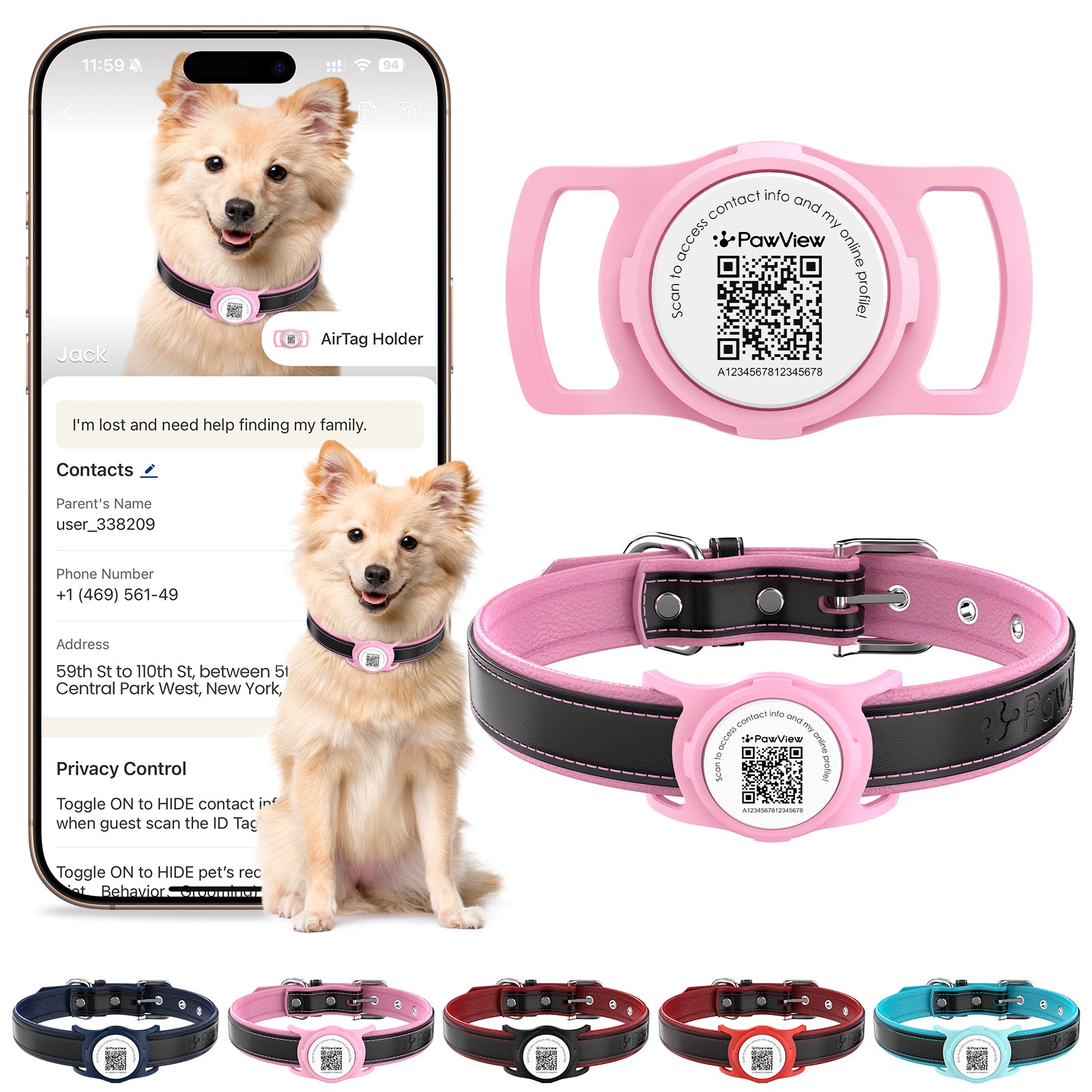
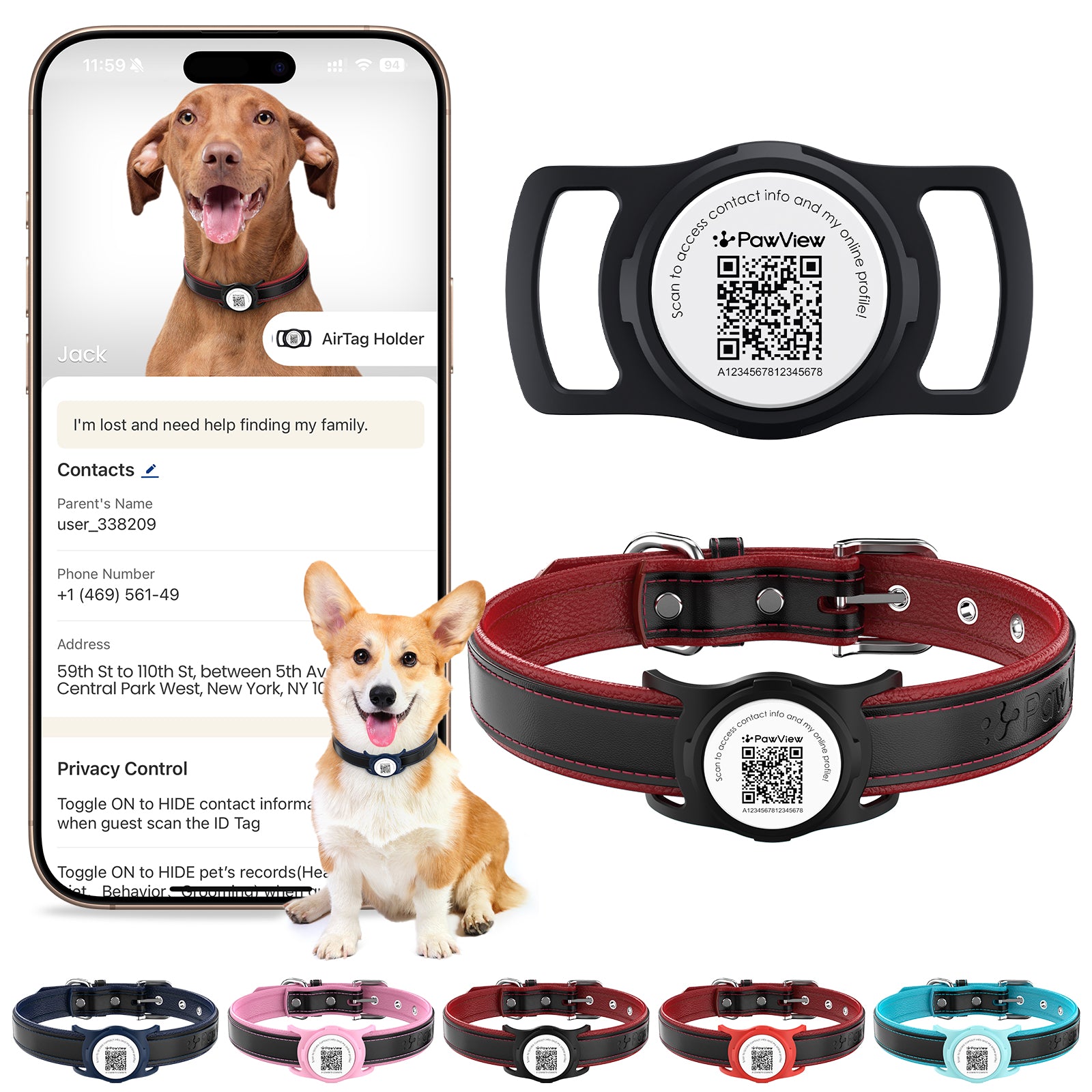
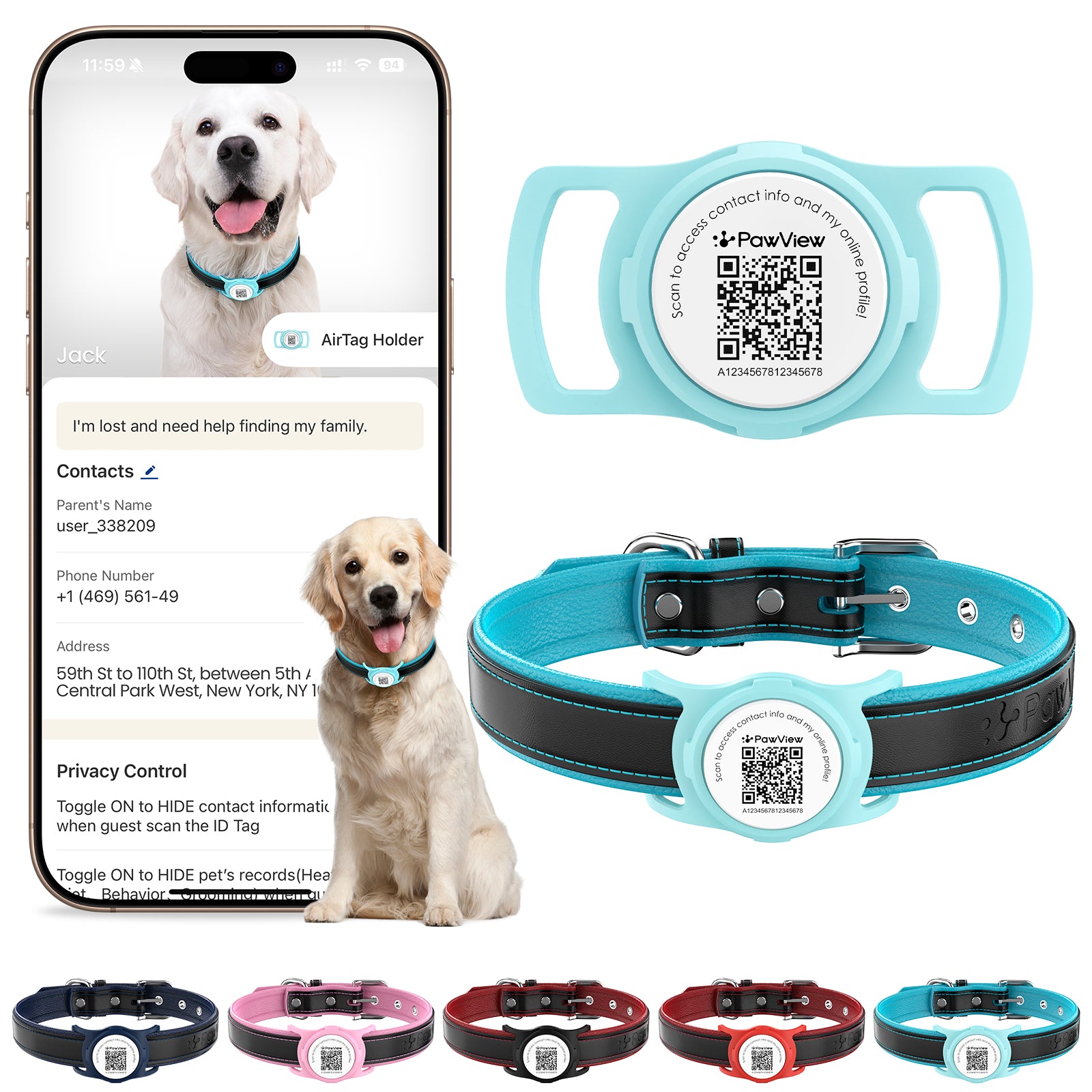
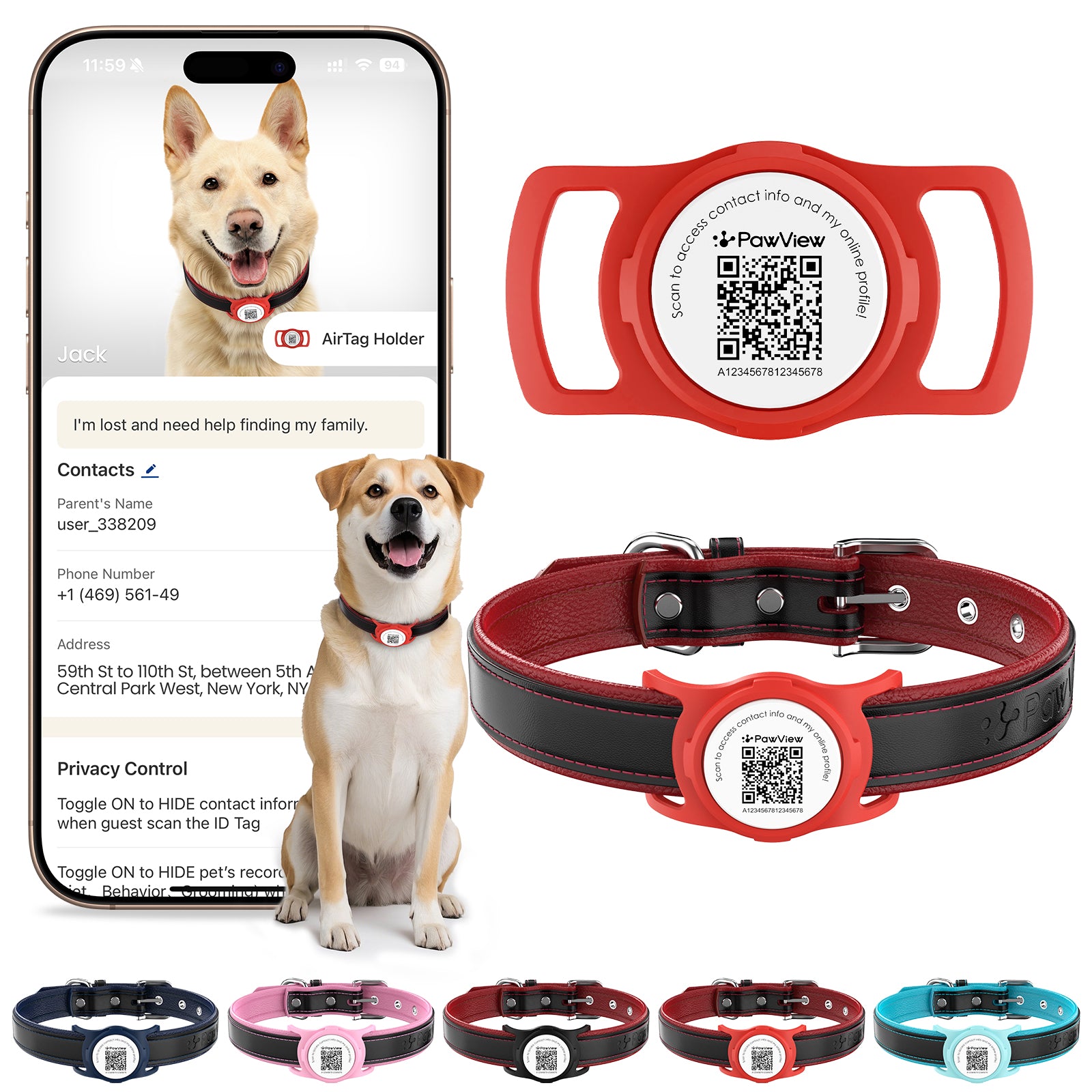
If your dog wears a QR code or NFC smart pet ID tag, it provides another way for someone who finds them to contact you.
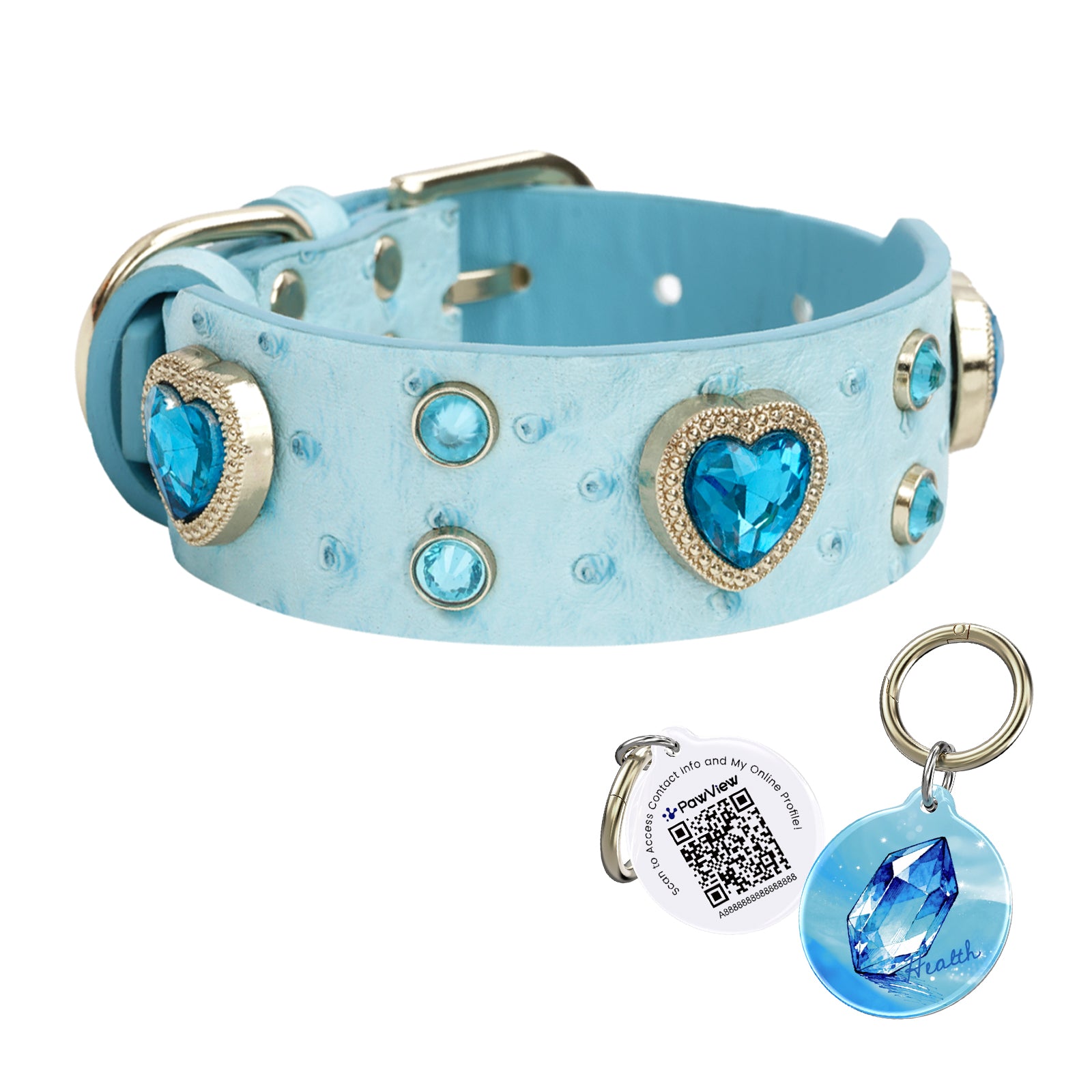
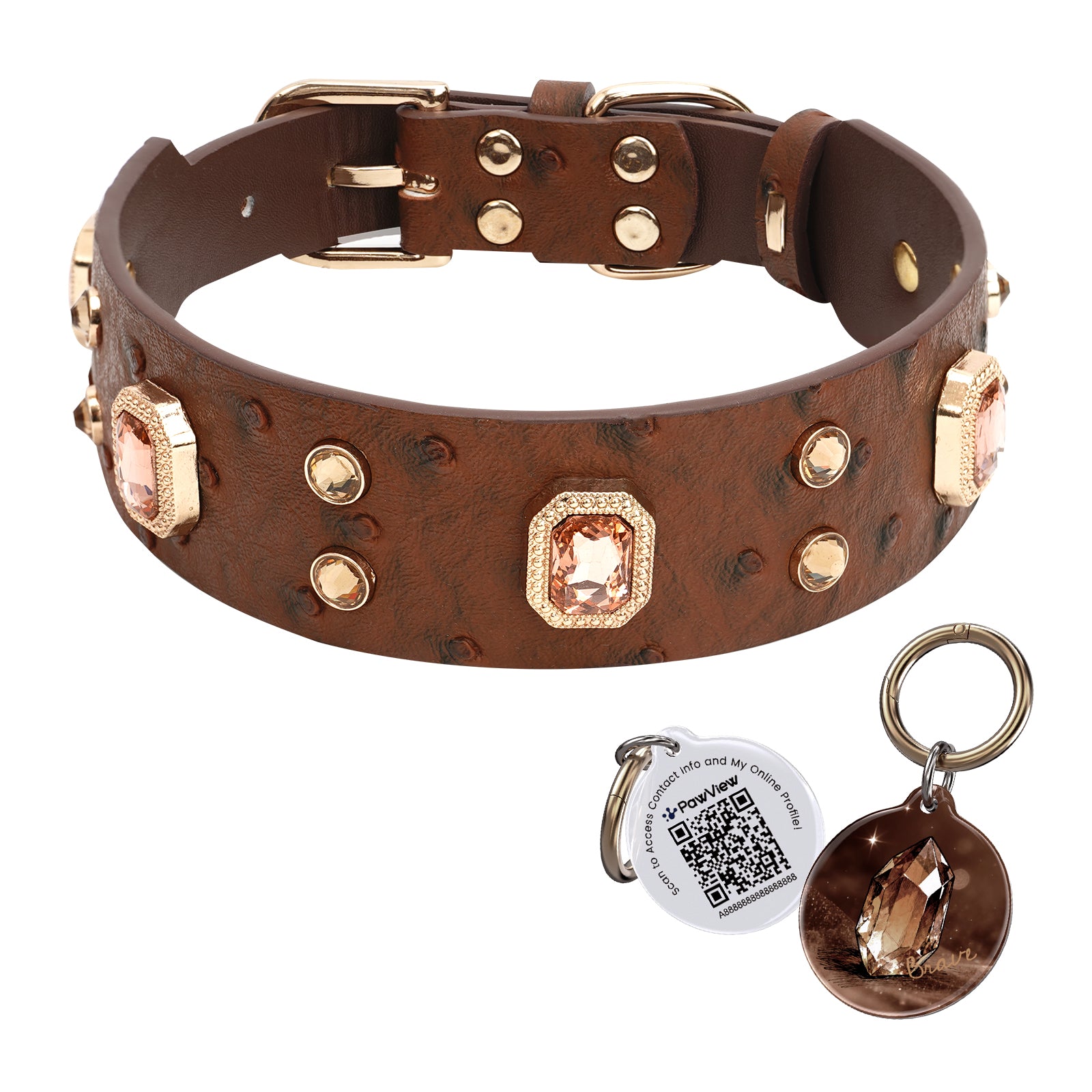
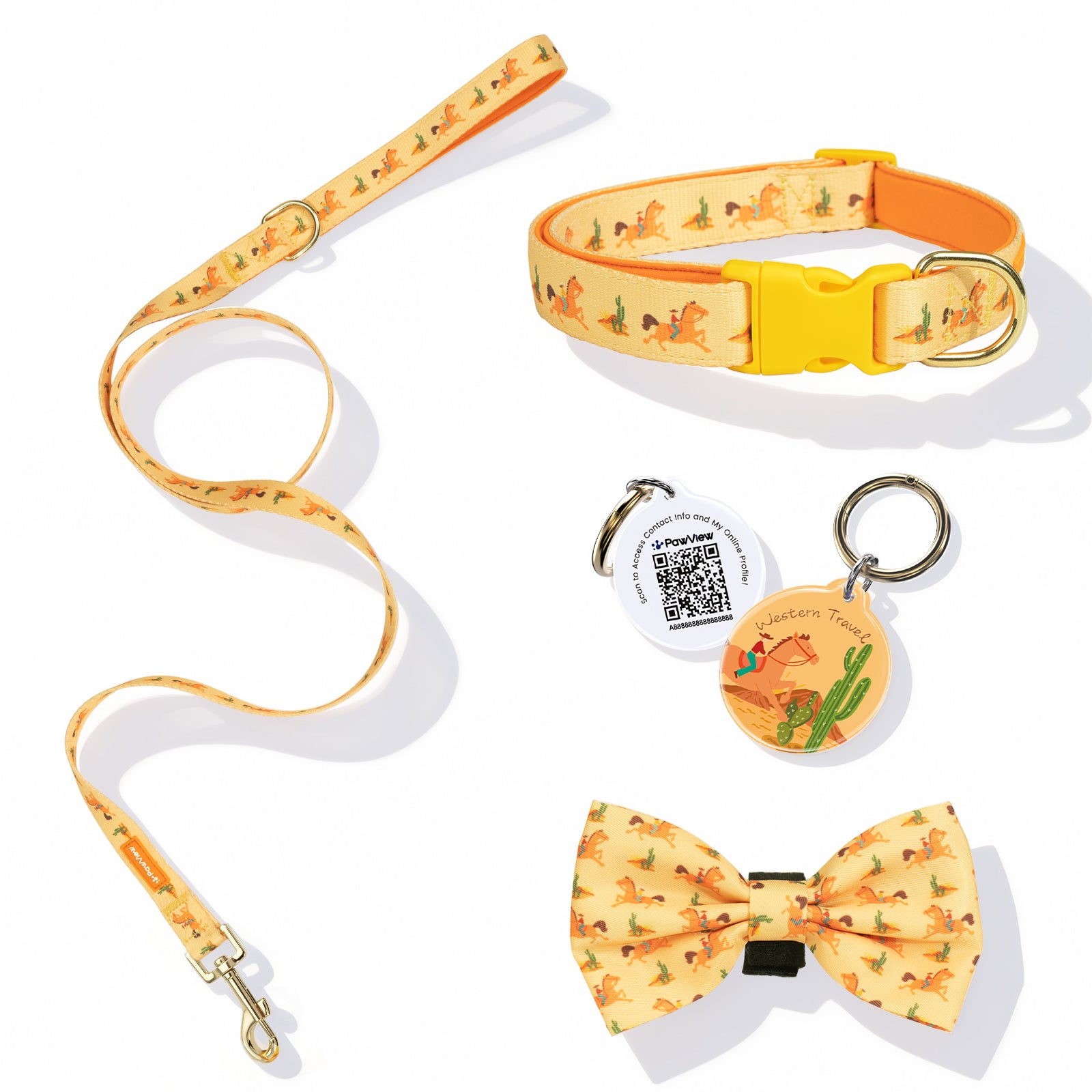
For example, the PawView NFC & QR Code Smart Pet ID Tag connects your dog's physical tag to an online pet profile.
A finder can scan the QR code using a smartphone camera or tap the tag with an NFC-compatible phone. They don't need to download the PawView app to access the available pet information and contact details.
If the finder reports their location, you can receive a scan notification and location information. You can review the scan time and available location details under Device Details > Scan Code Records.
Because you enabled notifications during your initial setup, you won't need to wait until an emergency to configure them.
Remember, a smart pet ID tag is not a GPS tracker and does not continuously monitor your dog's location. It provides identification and location clues when someone scans or taps the tag and reports their location.
8. What to Do When Your Dog Is Found
Finding your dog is an enormous relief, but there are still a few important things to do.
Secure your dog with a leash and move them somewhere quiet and safe. Check for visible injuries, limping, dehydration, or unusual behavior. If your dog appears injured or unwell, arrange a veterinary examination.
Next, notify the shelters, animal control agencies, neighbors, and online communities that helped with your search. Update or remove outdated missing-pet posts and manage your PawView report history.
Finally, give your dog time to rest and settle back into their familiar environment.
Every Step Counts When Your Pet Goes Missing
Knowing what to do if your dog gets lost means more than simply searching the neighborhood. It involves preparing in advance, reaching your community, contacting local organizations, and making sure your pet can be identified.
PawView brings several useful tools together, including missing-pet reports, Home-page exposure, shareable lost-pet flyers, Community Pet Search, and QR/NFC pet identification.
At PawView, we believe every pet deserves to be protected and every pet parent deserves greater peace of mind.
Because when the unexpected happens, every opportunity to help your pet find their way home matters.


